
Instrumental Music Guide: Create Without Vocals
Choose an instrumental direction for study, a quiet scene, or a video introduction without overcrowding the brief.
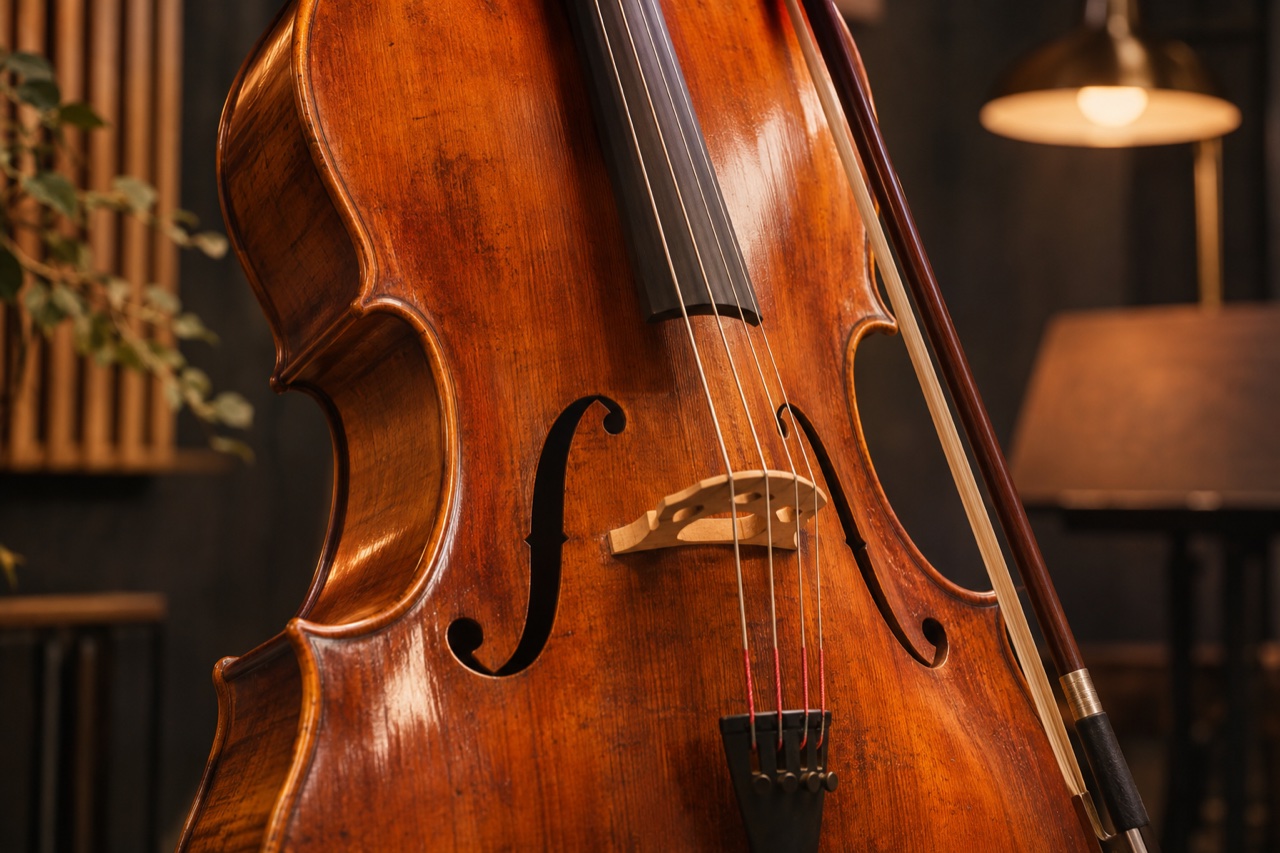
An instrumental can support an activity without needing to tell its whole story. Before choosing a genre, decide what the music should leave room for. A study session, a spoken introduction, and a dramatic visual sequence call for different levels of movement and attention.
Start with the listening context
Write one sentence about where the track will be heard. Then describe its energy and a small number of musical textures. For background listening, a restrained arrangement can be more useful than a busy melody competing for attention.
For example:
A calm instrumental for an evening reading session. Soft piano, a warm bass texture, and a steady gentle pulse. Keep the dynamics even and the arrangement spacious, with no vocals.
In AI Song Maker, turn on instrumental mode. Use the description to explain the context and the style field to summarize the sound. If you are working in lyrics mode, instrumental mode lets you create without entering sung lyrics.
Describe contrast deliberately
If you want a track to develop, explain the relationship between its sections: a quiet opening that gradually becomes fuller, for instance. Avoid listing many incompatible genres or instruments without explaining which one should lead.
Words such as “steady” or “gradually” describe a direction. They do not guarantee a precise tempo, duration, or edit point. The studio does not provide a dedicated duration control, so listen to the generated result before planning a final cut around it.
Review the actual result
Listen for unwanted vocal sounds, sudden changes, or an arrangement that feels too dense for your intended use. Revise the largest issue first. You may need another generation, or to trim the downloaded audio in a separate editor for your project.
Keep the versions that work in your collection and use recognizable titles to distinguish them. Check the applicable terms before publishing or using a track commercially; this guide does not grant usage rights.
Create an instrumental, then listen and download from My songs.